How to Deposit on Quotex Using JazzCash: Step-by-Step Guide
Disclosure: This page contains affiliate links. If you sign up for Quotex through our links, we may earn a commission at no extra cost to you. This does not influence our review — we test every platform independently and report our honest findings.
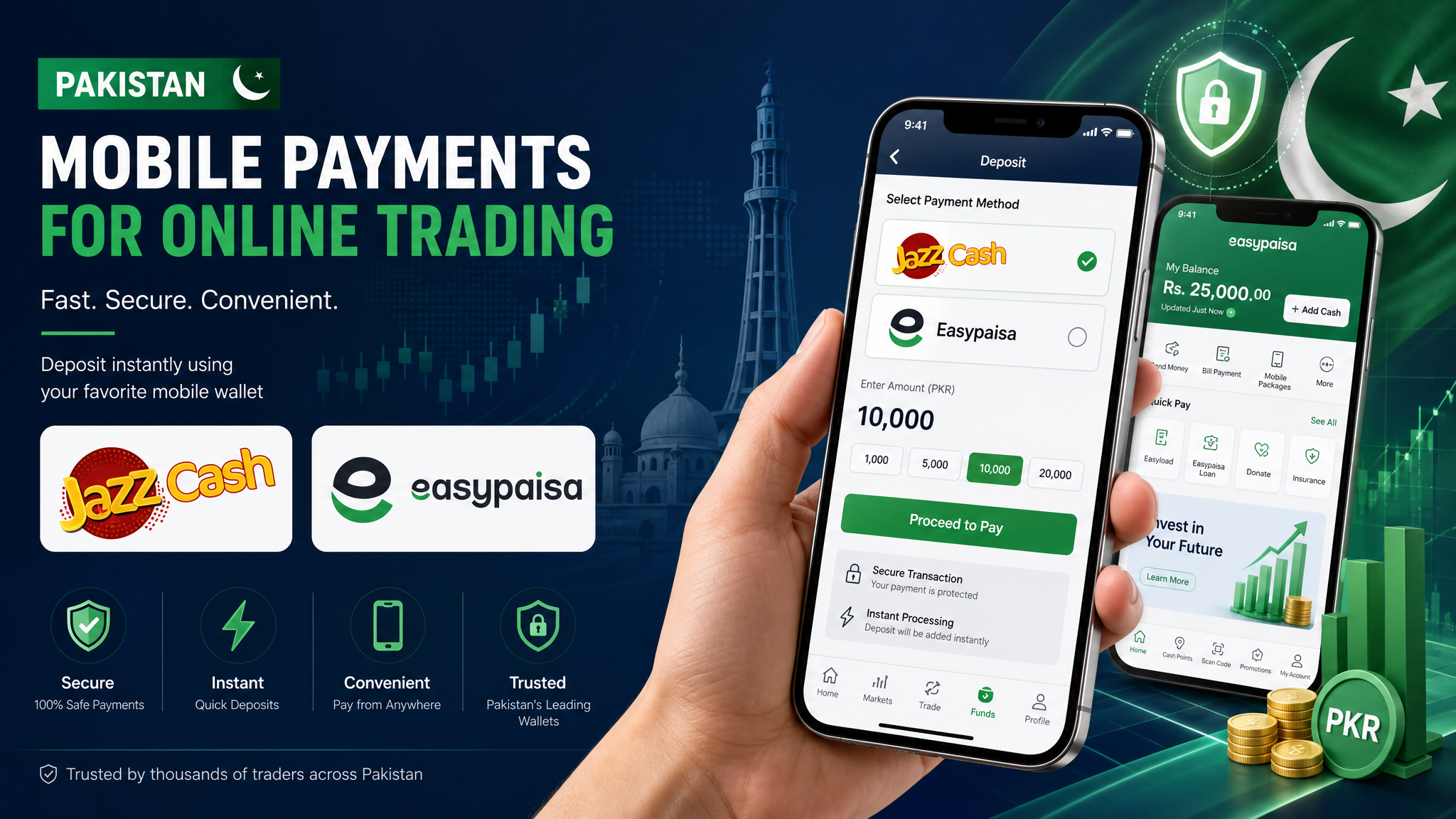
Depositing on Quotex via JazzCash
JazzCash is the most widely used mobile wallet in Pakistan, and Quotex fully supports it for deposits. We tested this process ourselves and it took under 5 minutes from start to finish.
Before You Start
Make sure you have:
- An active JazzCash account with sufficient balance
- A registered Quotex account (sign up takes 2 minutes)
- Minimum $10 (approximately PKR 2,800) available
Step-by-Step Process
Step 1: Log Into Quotex
Open the Quotex platform in your browser or mobile app and log into your account.
Step 2: Navigate to Deposit
Click the green "Deposit" button in the top-right corner of the platform.
Step 3: Select JazzCash
From the available payment methods, select JazzCash. Enter the amount you wish to deposit (minimum $10).
Step 4: Complete Payment
Follow the instructions to complete the payment through your JazzCash account. You may receive an SMS verification code.
Step 5: Confirmation
Once the transaction is processed, your Quotex balance will be updated. In our testing, this took approximately 3 minutes.
Tips and Notes
- Quotex does not charge any deposit fees for JazzCash transactions
- The exchange rate from PKR to USD is handled automatically
- Keep your transaction receipt for your records
- If the deposit does not appear within 30 minutes, contact Quotex support
Risk Warning: Binary options trading carries a high level of risk and may not be suitable for all investors. You could lose all of your invested capital. Before trading, please ensure you fully understand the risks involved and seek independent financial advice if necessary. Quotex is not regulated by SECP or any major financial authority.